Sharing plain code on Twitter? Stop!! 🔥

Are you sharing plain code on twitter or out of context?
Problem?
Well, when I started sharing code or posting on twitter I found it's tough for people to understand the code or language.
Most of the time I have to reply to the same tweet what it's all about. more often I notice people are not engaging my twitter or not seem interesting in it. Then how do I engage them?
Solutions!
Many ways to engage people on twitter but more specifically we are looking at sharing code snippets. Options are :
- Carbon
- Graphite-Shot
- Polacode
- Mac Screenshot
Carbon
Carbon is the easiest way to create and share beautiful images of your source code.
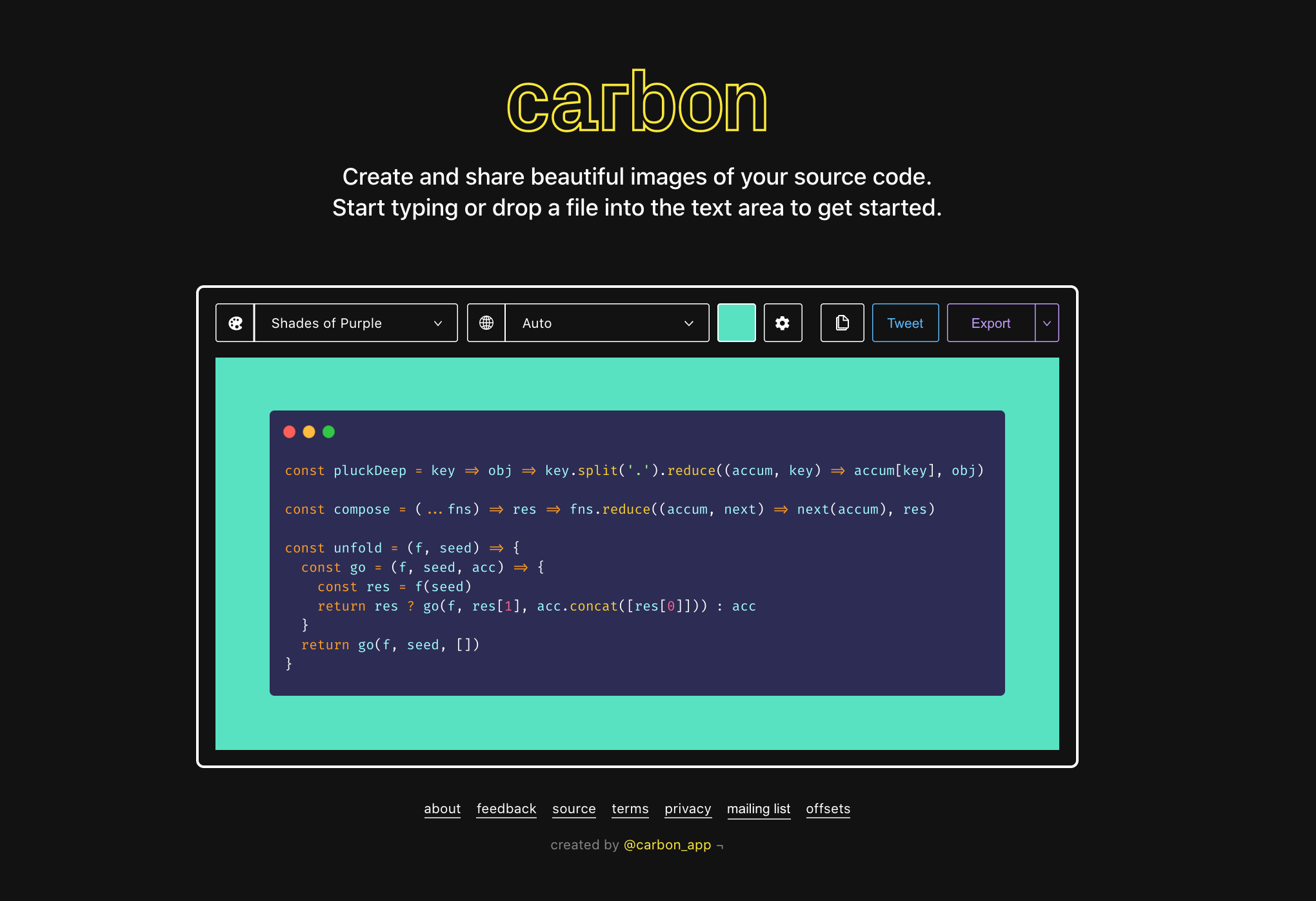
Link: carbon.now.sh
Carbon is a free and open-source library to create and share awesome images of your source code. Features? well, You can use it multiple ways without disturbing you vs code or another editor.
- Ability to change your color theme
- Multiple programming languages
- Style - Background Style / Window Style / Color theme and many more
The main use-case for Carbon is to take a snippet of code, paste it as text, and make it look nice by choosing the style.
It should automatically detect what language you want to use, but you can also manually select a large variety of languages.
Graphite-Shot
Graphite Shot - "one of the best tool I will always keep in my arsenal" for the screenshot to windows dynamic size/color, many more options
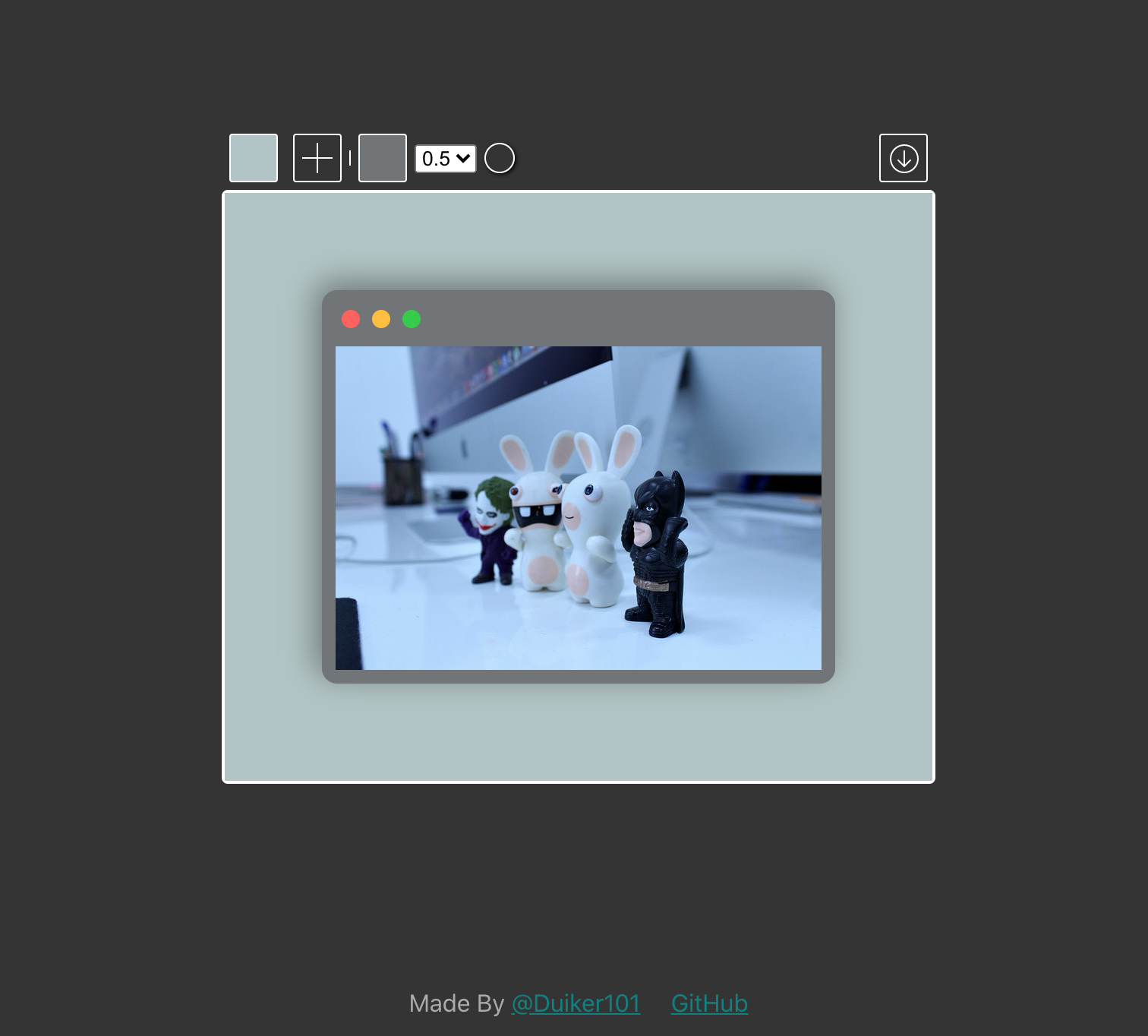
Link: https://graphite-shot.now.sh/
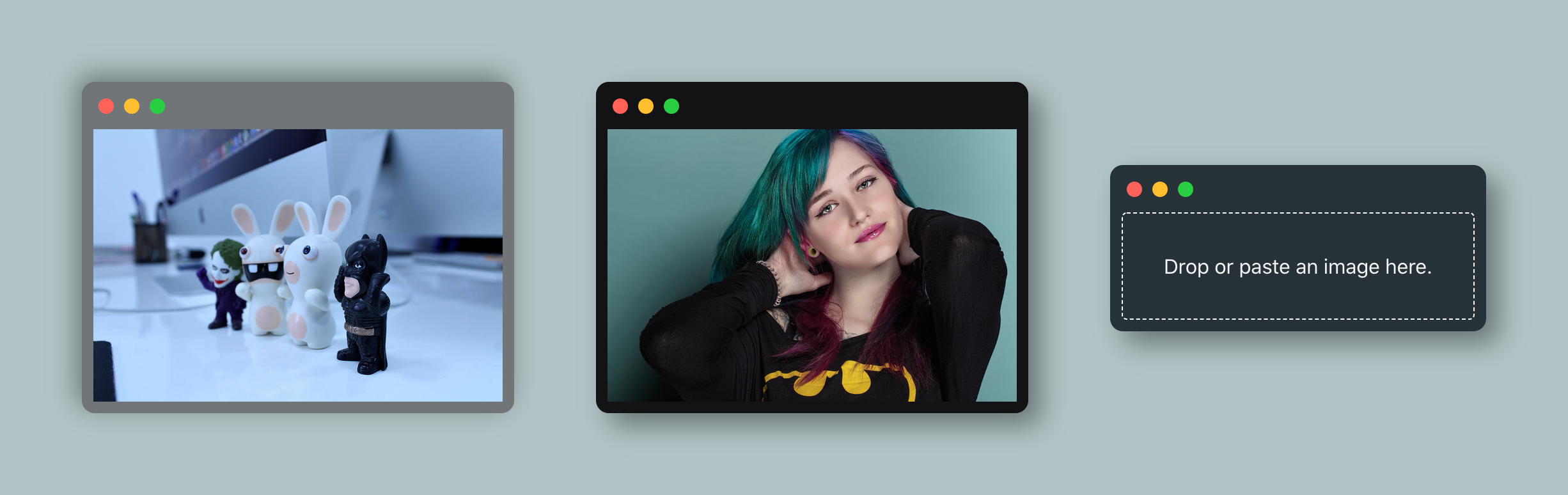
The most important feature of multiple windows or images u can attach with it.
- Just paste images from the clipboard
- Support for multiple windows of code
- Auto background-color
- Shadow and background-color
Checked out here the examples :
- Simple Image
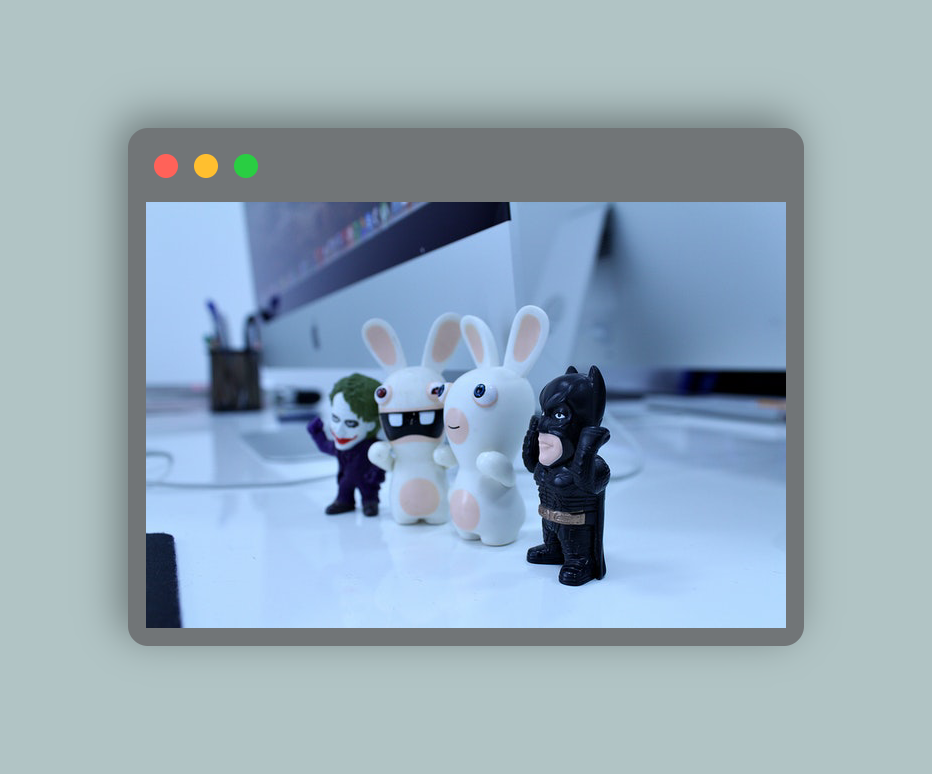
- Two Image
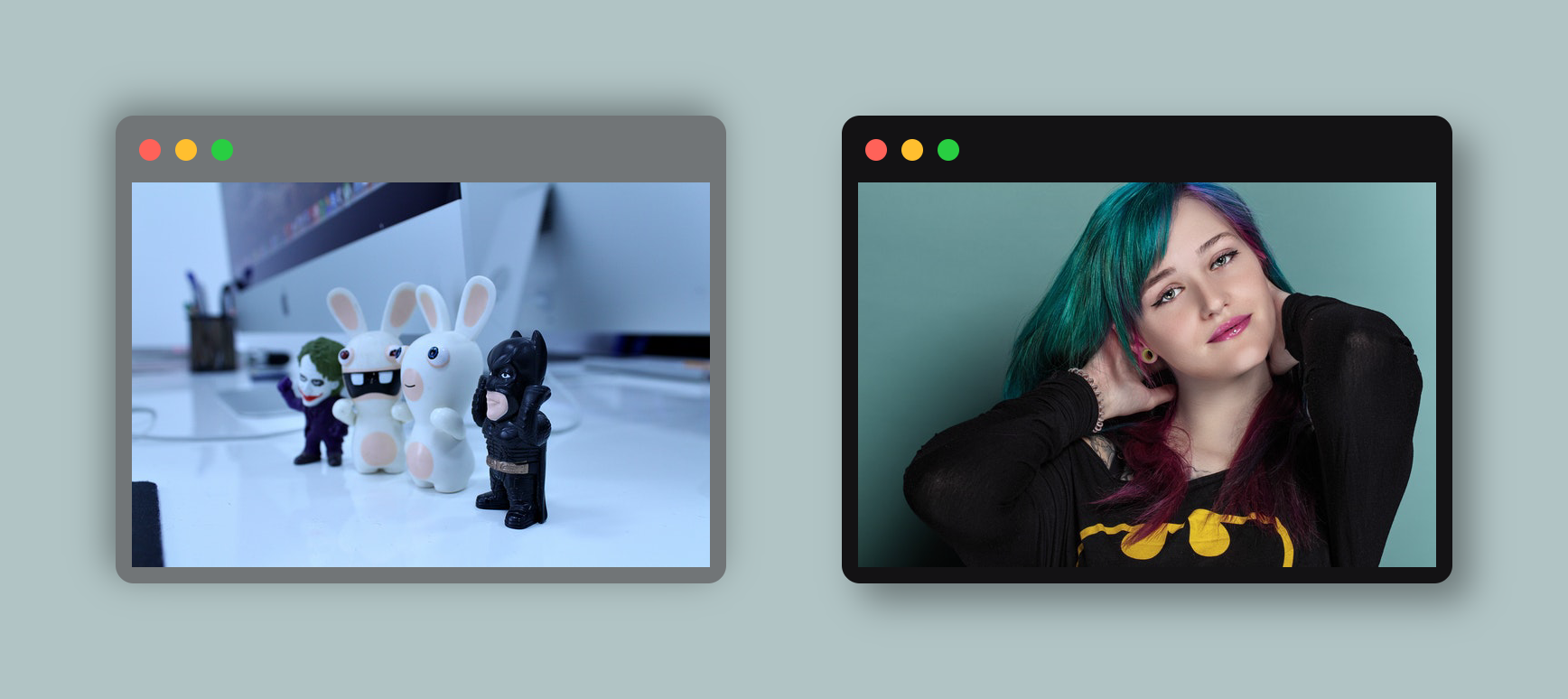
- Multiple Image
Polacode
Polacode — Polaroid for your code 📸
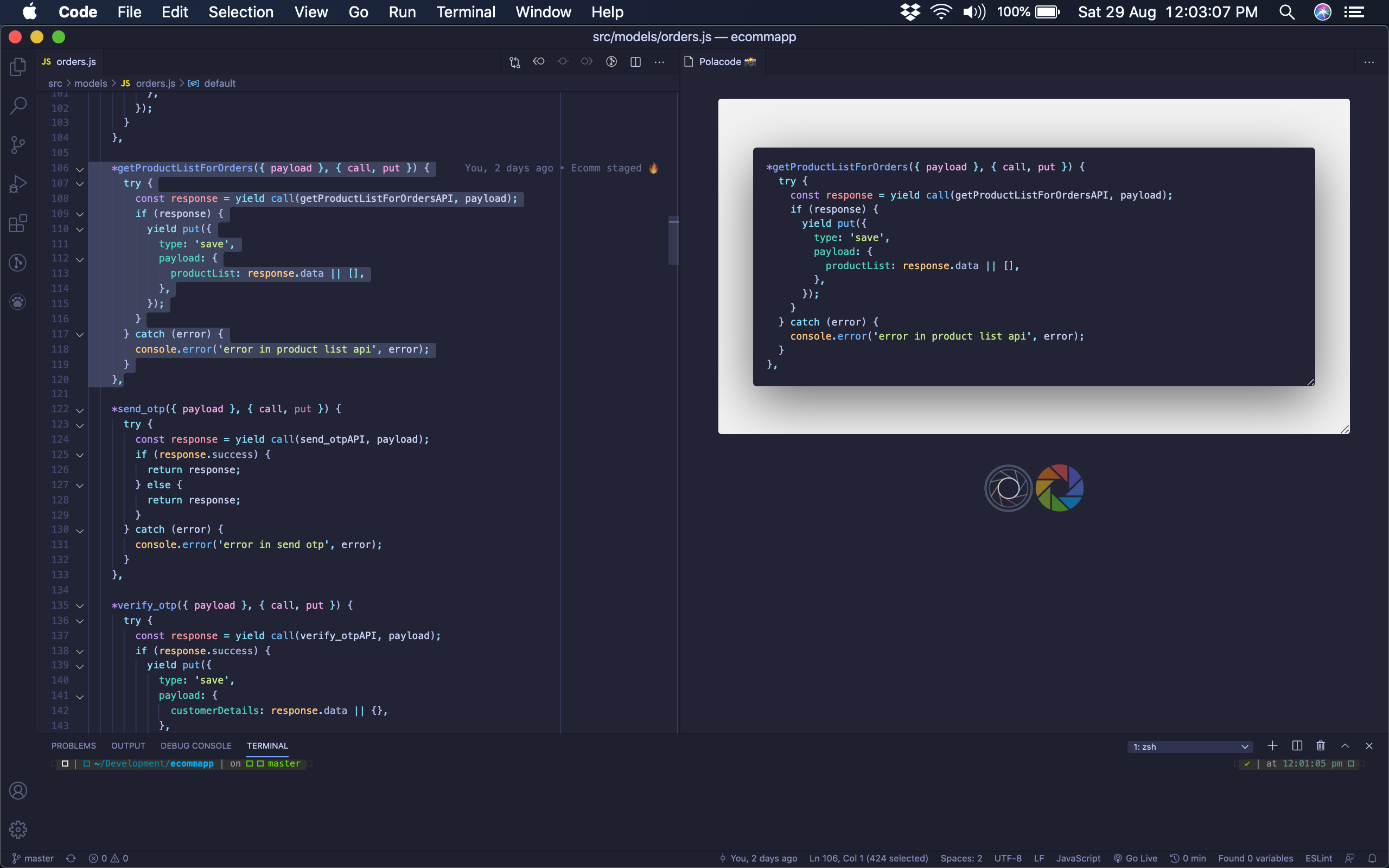
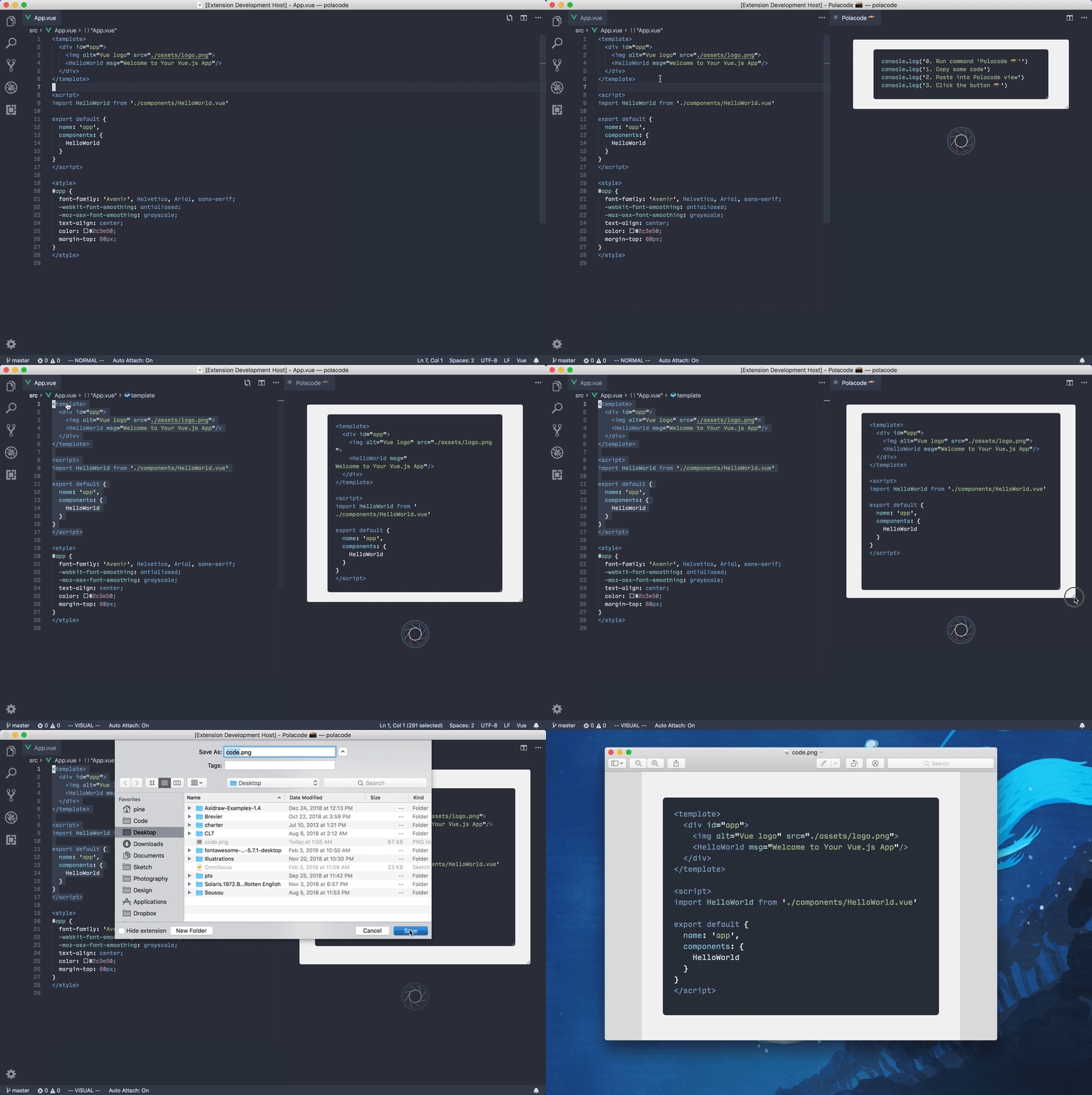
Polacode is a very simple UI & Easy to use. the above screenshot - left side of the window I have selected the specific piece of code which needs to be screen windows and right-hand side preview of that.
Link: Polacode
Mac Screenshot
"Take a screenshot on your Mac"
Its the easiest way to take a screenshot on mac just press command+shift+3
if you need to capture a portion of the screen - just press command+shift+4
For more information check out the link: https://support.apple.com/en-in/HT201361
Thank you for reading, hit likes if like this article & share it with others.
Happy Twitting!